
Complete Your Payment
Use the official academy QR code or payment details below, then keep your receipt for course activation.
Official payment information onlyPay in Four Simple Steps
Confirm the course fee with the academy before sending any payment.
Confirm Your Course Fee
Check the correct fee, currency and payment method with our team.
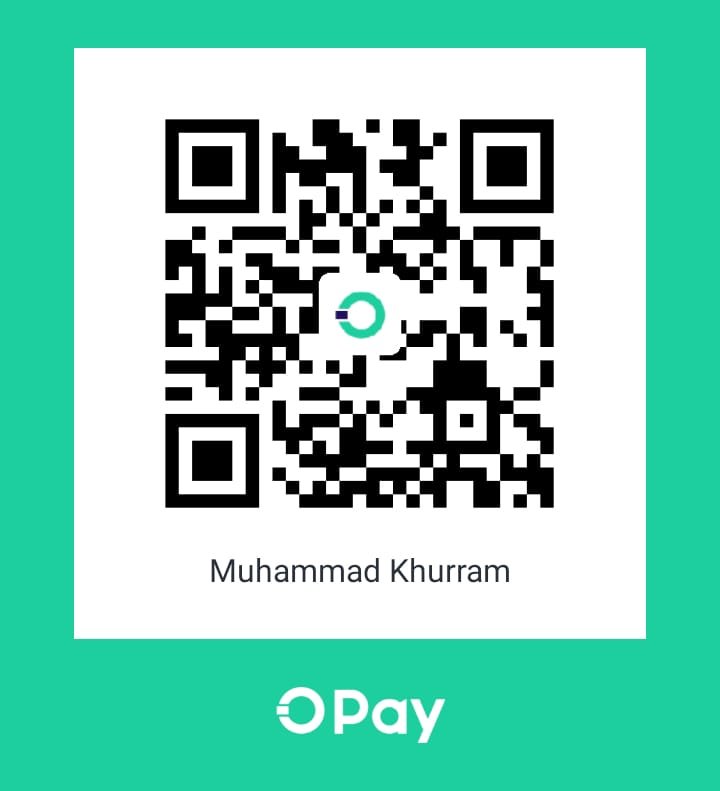
Scan the Official QR Code
Open your banking or wallet app and scan the QR code shown on this page.
Check the Recipient Name
Verify the account title before confirming the transaction.
Save and Send the Receipt
Take a screenshot of the successful payment and share it with the academy.
Payment QR Code
Use your mobile banking or digital wallet app to scan this code.
After payment, send your receipt to the academy for verification.
Send ReceiptWhat Happens Next?
Receipt Review
Our team checks the payment receipt and matches it with the registered student.
Payment Confirmation
You receive confirmation after the transaction details have been verified.
Course Activation
Your selected course and class guidance are then shared with you.